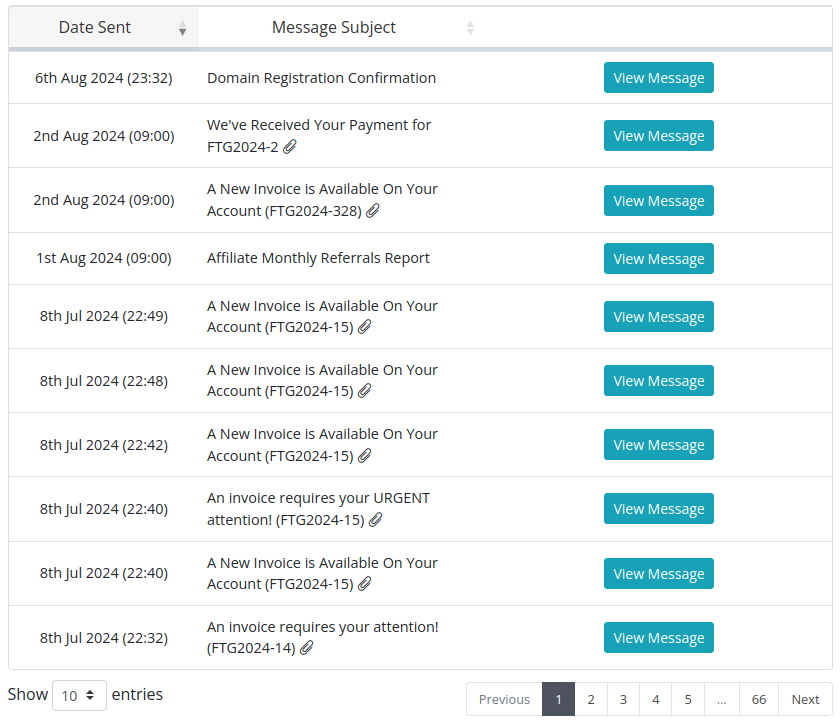
To view a history of emails that our automated system has sent you regarding your account, you can follow the steps enclosed.
- Log into your hosting portal
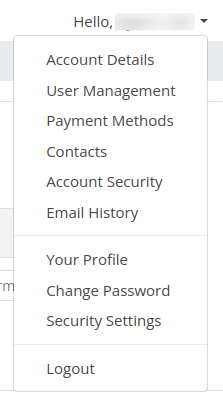
- Go to the upper-right hand corner, and click the drop down arrow next to your name, and then click Email History
- Browse through the list of emails to find the email you are looking for, and click View Message