
Occasionally when you attempt to update plugins related to WooCommerce, you may experience an error message that prevents the update from completing. Below is a list of errors that we’ve encountered, and the steps to correct these errors.
Update failed: Update package not available.
This error occurs when WordPress is unable to fetch the update files to complete the update process. This can happen when a plugin’s license expires, development for that plugin is discontinued, or if your license has not been properly activated for the plugin.
You can resolve this by following these steps:
- Log into your WordPress Dashboard
- Go to WooCommerce > Extensions
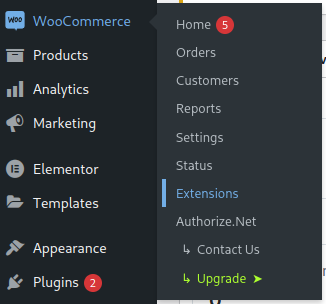
A screenshot of the ‘WooCommerce’ admin menu with the ‘Extensions’ sub-menu item highlighted. - Find the My Subscriptions tab, and click it.

A screenshot of the navigation bar provided on the WooCommerce Extensions page in the WordPress admin dashboard. - On the ‘My subscriptions’ tab, click on Connect Your Store
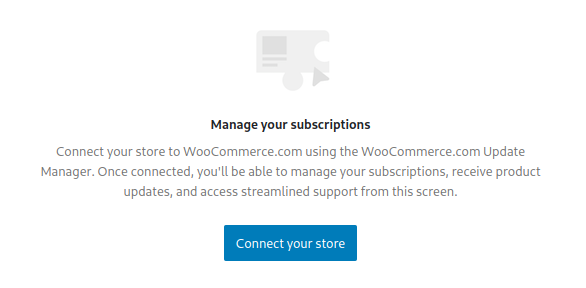
A screenshot of the subscription management section of the WooCommerce admin menu, with a blue button labeled ‘Connect your store’. - Follow the instructions on screen to complete your connection.
- Once connected, go to Plugins
- Select the plugins that failed to update, and re-attempt your update.